Completed Event: Track & Field at Sun Belt Conference Outdoor Championship on May 15, 2026 , , T-13th of 13
T-F
Final

James Madison

at Sun Belt Conference Outdoor Championship
T-13th of 13




JMU Students who are enrolled in the current semester and have paid their student fees in full are eligible for free admission to all regular season home athletic events based on availability. Please review the student ticket information for all sports below. Instructions to Register your student account can also be found below.
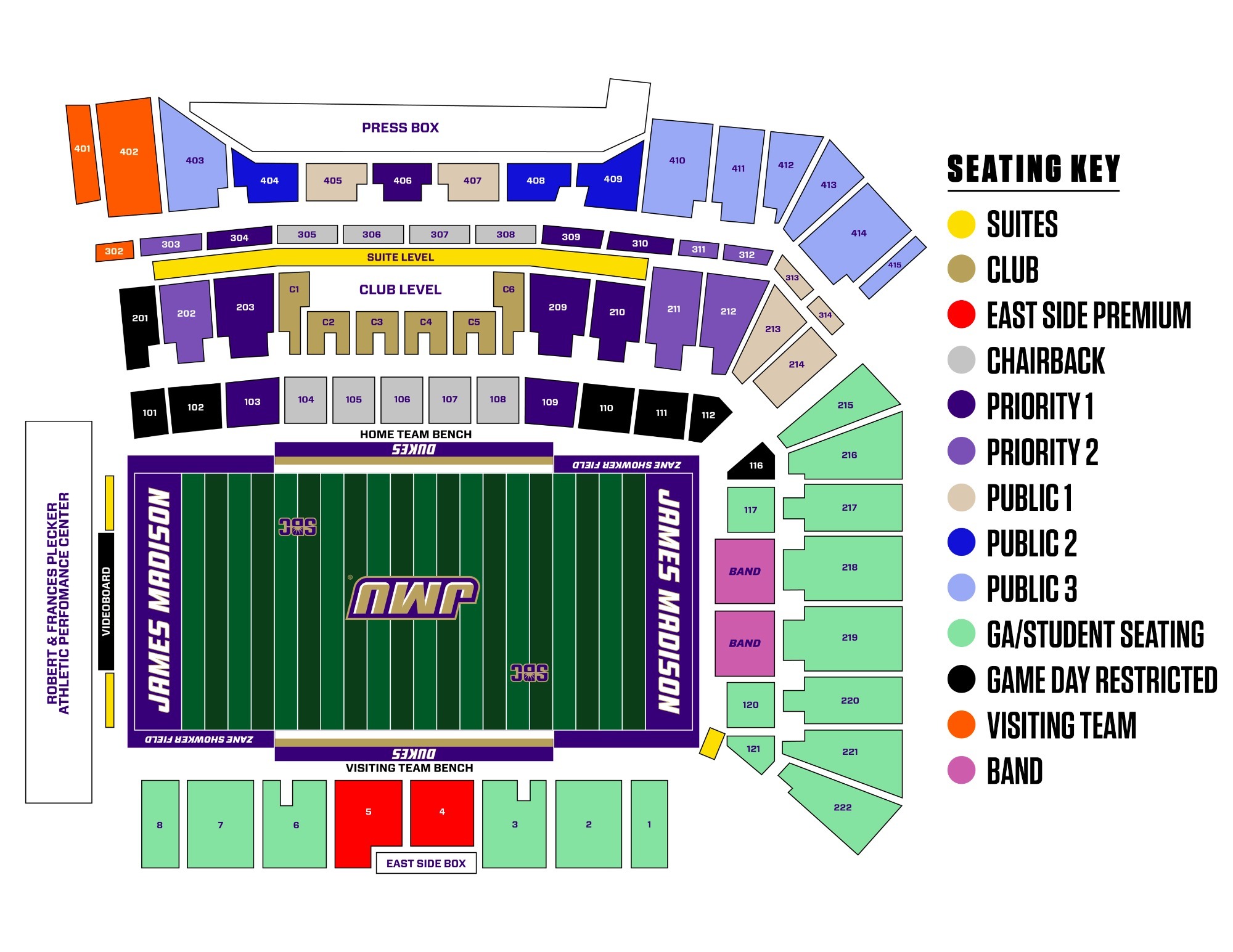
Students should reserve their ticket in advance of each home game. Tickets can be reserved at Student.JMUTickets.com and will be available on the Tuesday two weeks prior to each home game starting at 9:30 a.m. Once reserved, you will receive an email that your mobile ticket is ready to download. Add your mobile ticket to your Apple Wallet or Google Pay wallet on your phone so you can easily pull it up when approaching gate C on game day. Once added, your ticket should say hold near reader at the bottom. For more information on downloading mobile tickets, go to JMUSports.com/electronictickets.
Student guest tickets are available to be purchased while reserving your free student ticket. Guest tickets are non-refundable and cannot be returned.
No Show Policy and Returning Student Tickets: Students who reserve a student ticket for football, but do not attend twice in a season, will lose ticket privileges for the remainder of the season, including playoffs. To return a student ticket, login at Student.JMUTickets.com, click on "My Account" under the menu bar on the top left of the page. On the right hand side of the page should be a box titled "My Tickets." The fifth option down is "Return." Click that link and follow the steps to return the student ticket. Tickets can be returned up until four hours prior to game time.
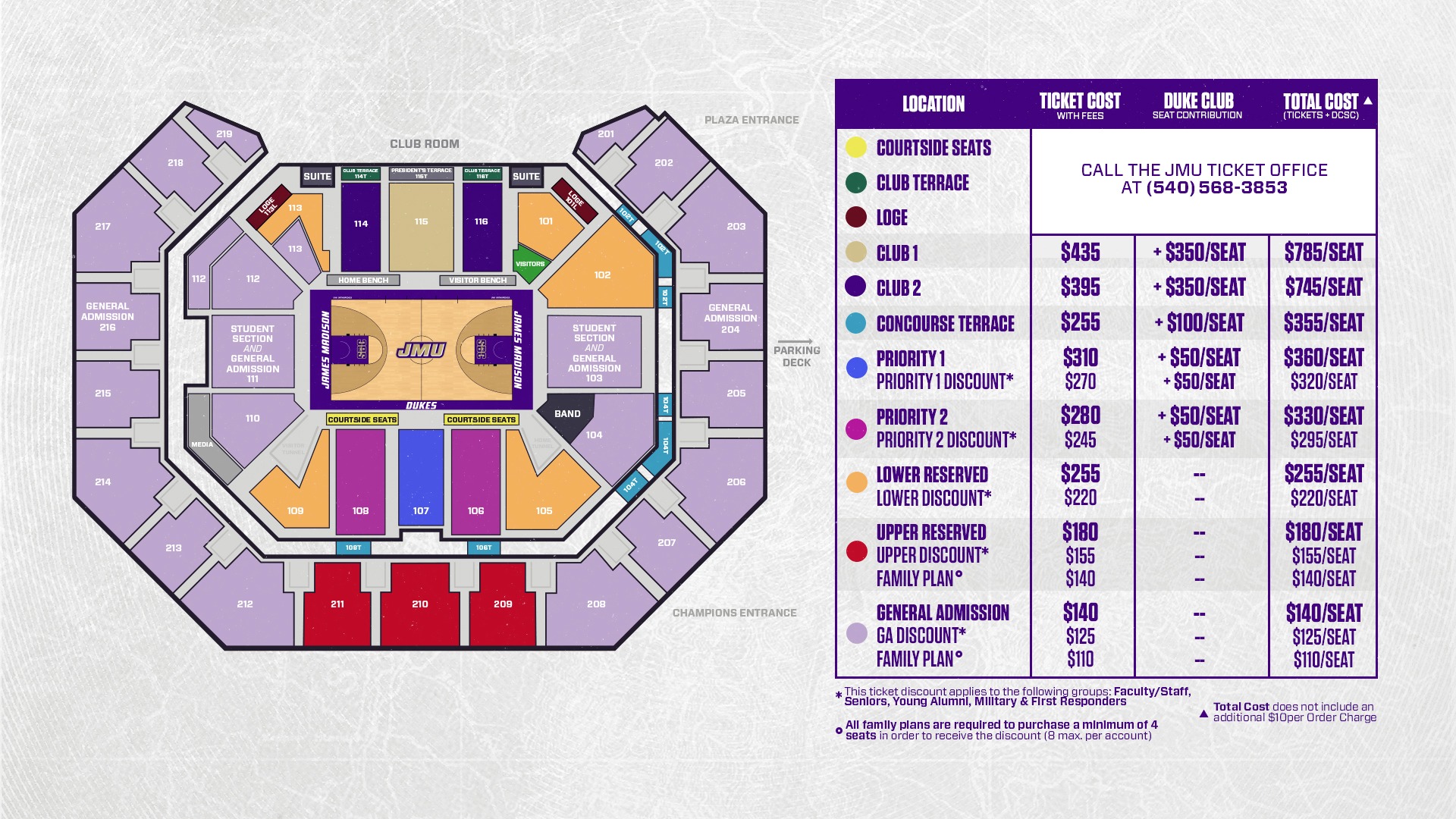
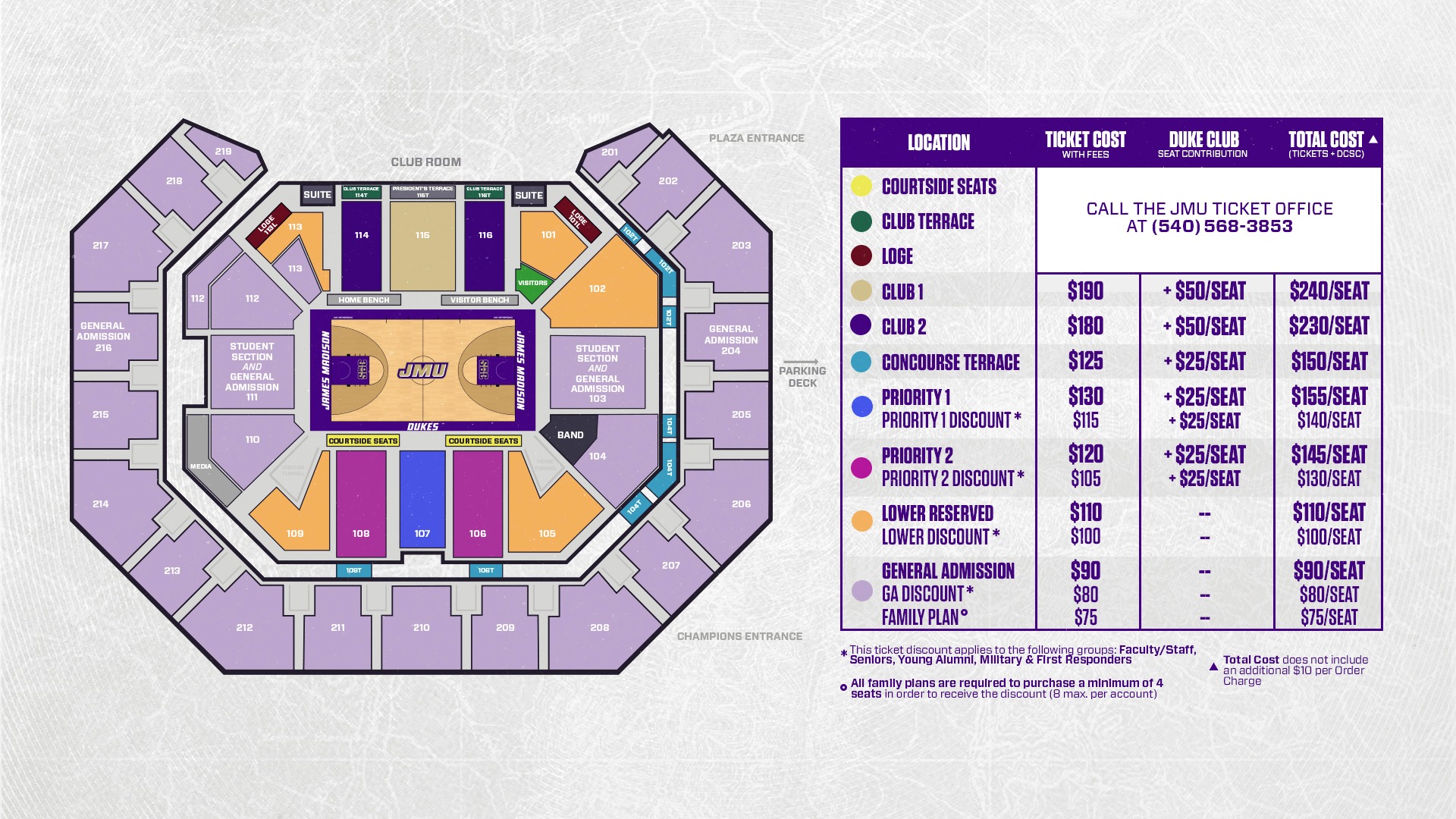
Students should reserve their ticket in advance of each home game. Tickets can be reserved at Student.JMUTickets.com and will be available on a monthly basis. For the 2024-25 season, student tickets will be made available on October 31st for all the November games, November 19th for all the December games, December 10th for all the January games and January 21st for the February games. Once reserved, you will receive an email that your mobile ticket is ready to download. Add your mobile ticket to your Apple Wallet or Google Pay wallet on your phone so you can easily pull it up when approaching the gate on game day. Once added, your ticket should say hold near reader at the bottom. For more information on downloading mobile tickets, go to JMUSports.com/electronictickets.
Students who reserve a student ticket for basketball but realize they can no longer attend should return their ticket. To return a student ticket, login at Student.JMUTickets.com, click on “My Account” under the menu bar on the top left of the page. On the right hand side of the page should be a box titled “My Tickets.” The fifth option down is “Return." Click that link and follow the steps to return the student ticket. Tickets can be returned up until four hours prior to game time.
All sports below are free to attend and do not require advance registration. Make sure you keep up with special student promotions throughout the season to get JMU swag.
The first time you go to Student.JMUTickets.com, you must Register your account by following the steps below:
NOTE: Do not create an account in the system. You will already have an account within our system via your Student ID and email starting the first semester you are enrolled. You just need to activate that account using the steps above.
If you have any questions, please email the Athletic Ticket Office at athletic-ticket@jmu.edu or call (540) 568-3853.